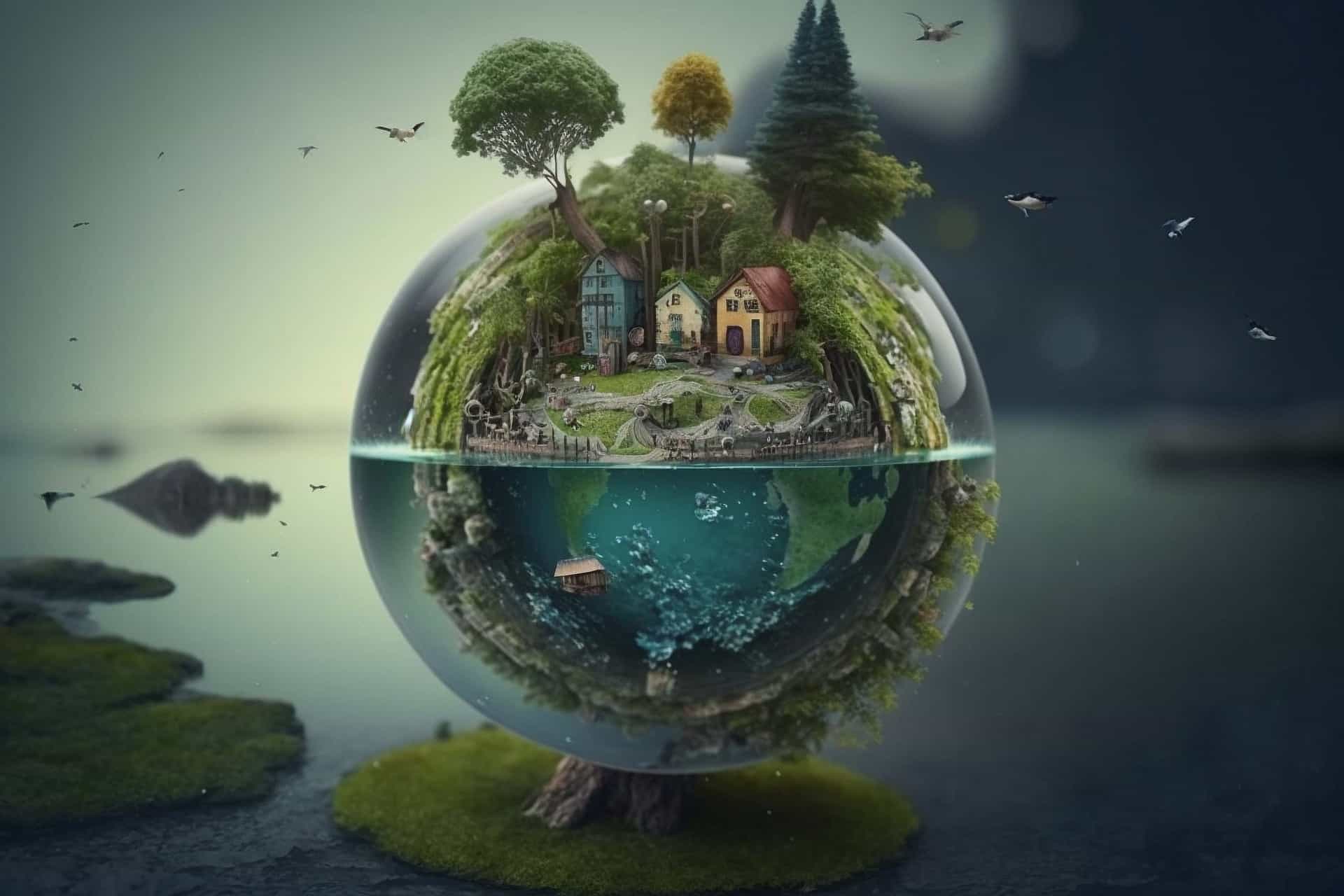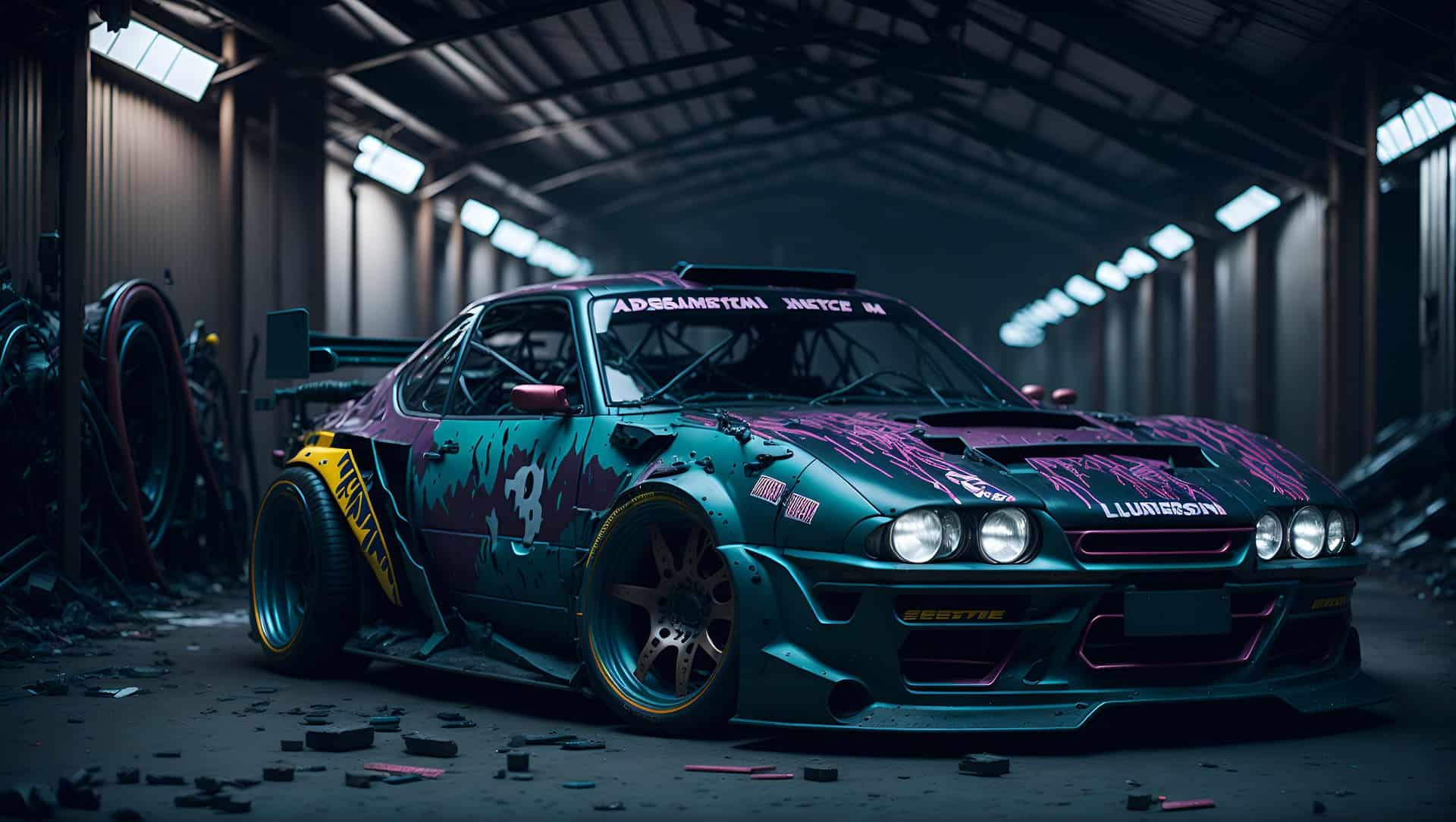
Animation has transformed completely. Best AI Apps for 2D & 3D Animation Creation revolutionize creative workflows.
The animation industry stands at a crossroads. Traditional methods that once required months of painstaking work can now be accomplished in days—or even hours. Artificial intelligence has emerged as the great equalizer, democratizing animation creation for everyone from bedroom creators to Hollywood studios.
This comprehensive guide explores the most powerful AI animation tools available today. You’ll discover how these applications can streamline your creative process, reduce production costs, and unlock new possibilities for storytelling. Whether you’re crafting your first animated short or managing a complex 3D production, these tools will reshape how you approach animation.
How AI Animation Apps Transform Creative Workflows
Understanding AI Animation Technology
AI animation apps use machine learning algorithms to automate complex tasks. These systems analyze motion patterns, facial expressions, and environmental physics. They generate realistic animations with minimal human intervention.
Key technological breakthroughs include:
- Motion capture without expensive equipment
- Automatic lip-sync generation
- Physics-based animation simulation
- Style transfer capabilities
- Real-time rendering optimization
The Creative Revolution
Sarah, a freelance animator from Portland, recently shared her experience. Previously, creating a 30-second character animation took three weeks. Using AI tools, she completed the same project in four days. The Best AI Apps for 2D & 3D Animation Creation eliminated repetitive tasks.
Her workflow now includes:
- Concept sketching (1 day)
- AI-assisted modeling (1 day)
- Automated rigging and animation (2 days)
- Final polish and rendering (integrated throughout)
Top AI Apps for 2D Animation Creation
Runway ML
Runway ML leads the 2D animation revolution. This platform offers intuitive tools for creators of all skill levels.
Key features:
- Video-to-animation conversion
- Style transfer capabilities
- Motion tracking and analysis
- Collaborative cloud workspace
Use case example: Converting live-action footage into animated sequences. Upload your video, select an art style, and watch AI transform reality into animation.
Adobe Character Animator
Adobe’s AI-powered solution brings characters to life instantly. It uses webcam input to animate characters in real-time.
Notable capabilities:
- Facial motion capture
- Voice-activated lip sync
- Automatic blinking and breathing
- Gesture recognition
Story spotlight: Independent filmmaker Jake Martinez used Character Animator for his web series. He reduced voice acting sessions from 8 hours to 2 hours per episode.
Stable Video Diffusion
This open-source tool generates smooth video animations from text prompts. It excels at creating abstract and artistic animations.
Advantages:
- Text-to-video generation
- Customizable animation styles
- Community-driven development
- Free to use and modify
Leading AI Apps for 3D Animation Creation
Cascadeur
Cascadeur revolutionizes 3D character animation through physics-based AI assistance. Professional animators praise its intuitive approach to complex movements.
Core strengths:
- Physics-accurate animations
- Auto-posing suggestions
- Secondary motion generation
- Timeline-based editing
Real-world application: Game studio Pixel Dreams used Cascadeur for their fighting game. AI generated realistic combat animations, reducing animator workload by 60%.
DeepMotion
DeepMotion transforms motion capture accessibility. Their AI creates professional-quality animations from simple video input.
Standout features:
- Video-to-3D animation conversion
- Real-time motion tracking
- Multi-character scene support
- Export to major 3D software
Mixamo by Adobe
Adobe’s Mixamo offers extensive character rigging and animation libraries. AI algorithms automatically fit animations to custom characters.
Key benefits:
- Automatic character rigging
- Thousands of pre-made animations
- One-click animation application
- Seamless software integration
Benefits of Using AI Animation Apps
Time Efficiency
Traditional animation requires extensive manual work. AI apps automate repetitive tasks, freeing creators for artistic decisions.
Time savings breakdown:
- Character rigging: 80% reduction
- Motion generation: 70% reduction
- Rendering optimization: 50% reduction
- Post-production polish: 40% reduction
Cost Reduction
Studios report significant budget savings. AI tools reduce workforce requirements and equipment costs.
Financial benefits:
- Lower staffing needs
- Reduced hardware requirements
- Faster project completion
- Higher profit margins
Creative Accessibility
AI democratizes animation creation. Beginners can produce professional-quality work without years of training.
Accessibility improvements:
- Simplified user interfaces
- Automated technical processes
- Extensive tutorial resources
- Community support networks
Quality Enhancement
AI algorithms ensure consistent quality. They eliminate human error and maintain animation standards.
Quality metrics:
- Smoother motion curves
- Accurate physics simulation
- Consistent character behavior
- Professional rendering quality
How to Choose the Right AI Animation App
Define Your Project Requirements
Different projects need different tools. Consider your specific animation requirements before selecting software.
Project considerations:
- Animation style (2D vs 3D)
- Complexity level
- Timeline constraints
- Budget limitations
- Team size and skill level
Evaluate Technical Specifications
Ensure your hardware can handle the software requirements. AI apps often demand significant processing power.
Technical requirements:
- CPU performance
- GPU capabilities
- RAM capacity
- Storage space
- Internet connectivity
Consider Integration Needs
Choose tools that work with your existing software. Seamless integration improves workflow efficiency.
Integration factors:
- File format compatibility
- Plugin availability
- API access
- Cloud synchronization
Getting Started with AI Animation Apps
Step 1: Choose Your Platform
Select software that matches your skill level and project needs. Begin with user-friendly options.
Step 2: Complete Training Resources
Most platforms offer comprehensive tutorials. Invest time in learning fundamental features.
Step 3: Start with Simple Projects
Build confidence through small projects. Gradually increase complexity as skills develop.
Step 4: Join Community Forums
Connect with other users. Share experiences and learn from community expertise.
Step 5: Experiment with Features
Explore advanced capabilities. Push boundaries to discover creative possibilities.
Common Challenges and Solutions
Learning Curve Management
AI tools still require learning investment. Start with basic features before exploring advanced capabilities.
Solutions:
- Follow structured tutorials
- Practice with sample projects
- Join online communities
- Attend virtual workshops
Hardware Limitations
AI processing demands significant computing power. Budget for appropriate hardware upgrades.
Recommendations:
- Invest in dedicated GPU
- Ensure adequate RAM
- Use SSD storage
- Maintain stable internet connection
Creative Authenticity
Some creators worry about AI replacing human creativity. View AI as creative enhancement rather than replacement.
Perspective shift:
- AI handles technical tasks
- Humans focus on artistic vision
- Collaboration enhances results
- Creativity remains uniquely human
Future Trends in AI Animation
Real-Time Generation
Next-generation tools will create animations instantly. Real-time feedback will revolutionize the creative process.
Voice-Driven Animation
Voice commands will control animation parameters. Natural language will replace complex software interfaces.
Personalized Animation Styles
AI will learn individual creator preferences. Personalized tools will match unique artistic styles.
Collaborative AI Assistants
Future AI will actively participate in creative decisions. Intelligent assistants will suggest improvements and alternatives.
Maximizing Your AI Animation Workflow
Optimization Strategies
Efficient workflows maximize AI tool benefits. Develop systematic approaches to animation creation.
Workflow optimization tips:
- Plan projects thoroughly
- Use AI for repetitive tasks
- Maintain quality checkpoints
- Document successful processes
Quality Control Methods
Maintain high standards throughout production. Regular review ensures professional results.
Quality assurance practices:
- Review animations frequently
- Test across different devices
- Gather feedback early
- Iterate based on insights
Collaboration Techniques
AI tools enhance team collaboration. Shared workflows improve project coordination.
Collaboration best practices:
- Use cloud-based platforms
- Establish clear communication protocols
- Share resources and templates
- Maintain version control
Frequently Asked Questions
What are the best AI apps for beginners?
Runway ML and Adobe Character Animator offer user-friendly interfaces. They provide extensive tutorials and community support for newcomers.
Can AI completely replace traditional animation methods?
AI enhances traditional methods rather than replacing them. Human creativity remains essential for storytelling and artistic vision.
How much do AI animation apps cost?
Pricing varies significantly. Free options like Stable Video Diffusion exist alongside premium tools costing $50-200 monthly.
What hardware do I need for AI animation?
Most AI apps require dedicated graphics cards. Minimum 16GB RAM and modern processors ensure smooth performance.
Are AI-generated animations copyrightable?
Copyright laws are evolving. Currently, human-directed AI creations generally qualify for copyright protection.
How long does it take to learn AI animation tools?
Basic proficiency takes 2-4 weeks. Advanced mastery requires 3-6 months of consistent practice.
Embracing the AI Animation Revolution
The animation industry continues evolving rapidly. Best AI Apps for 2D & 3D Animation Creation reshape creative possibilities daily.
Smart creators embrace these tools while maintaining artistic integrity. The future belongs to those who combine human creativity with artificial intelligence capabilities. Start exploring these powerful applications today and discover how they can transform your animation projects.